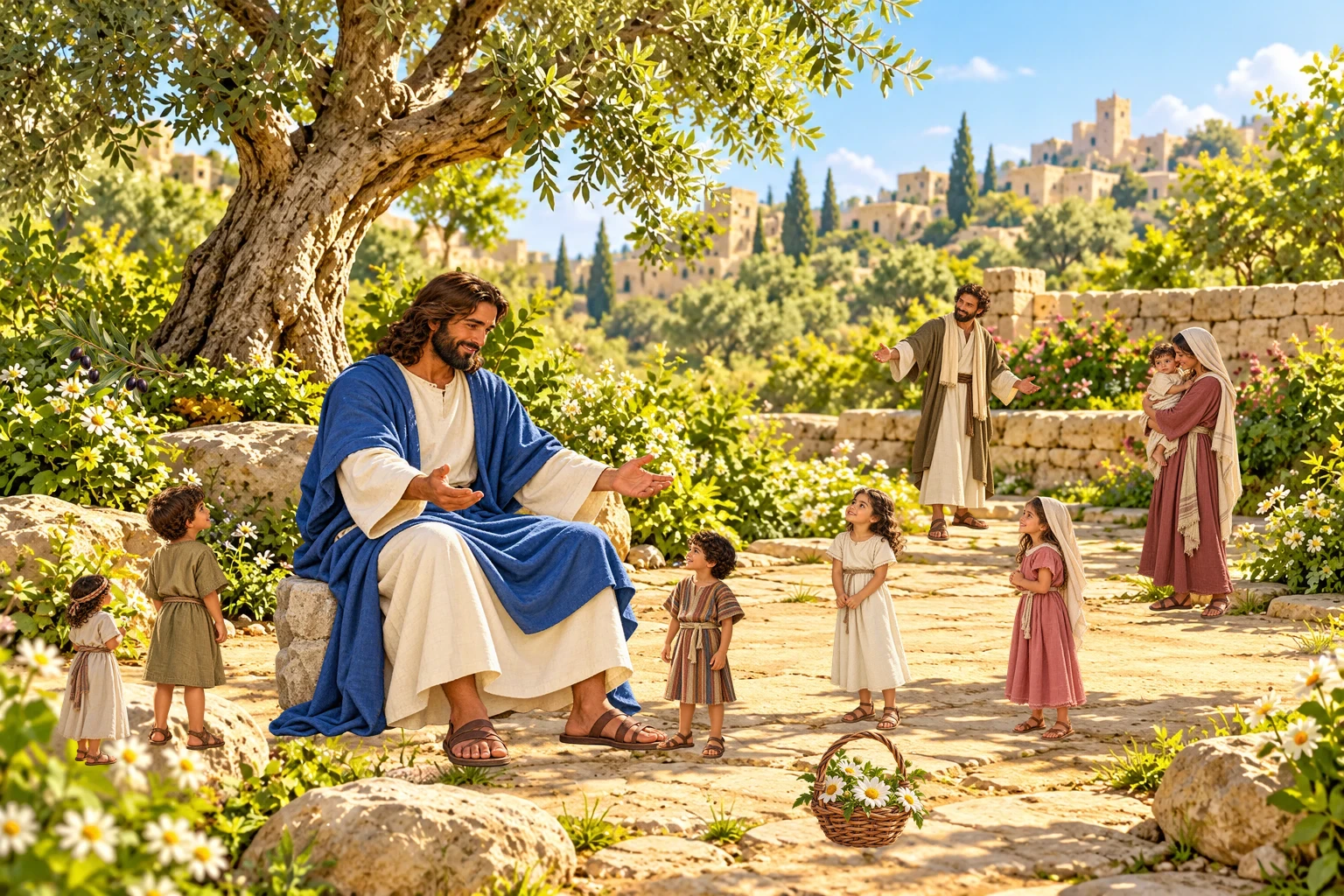
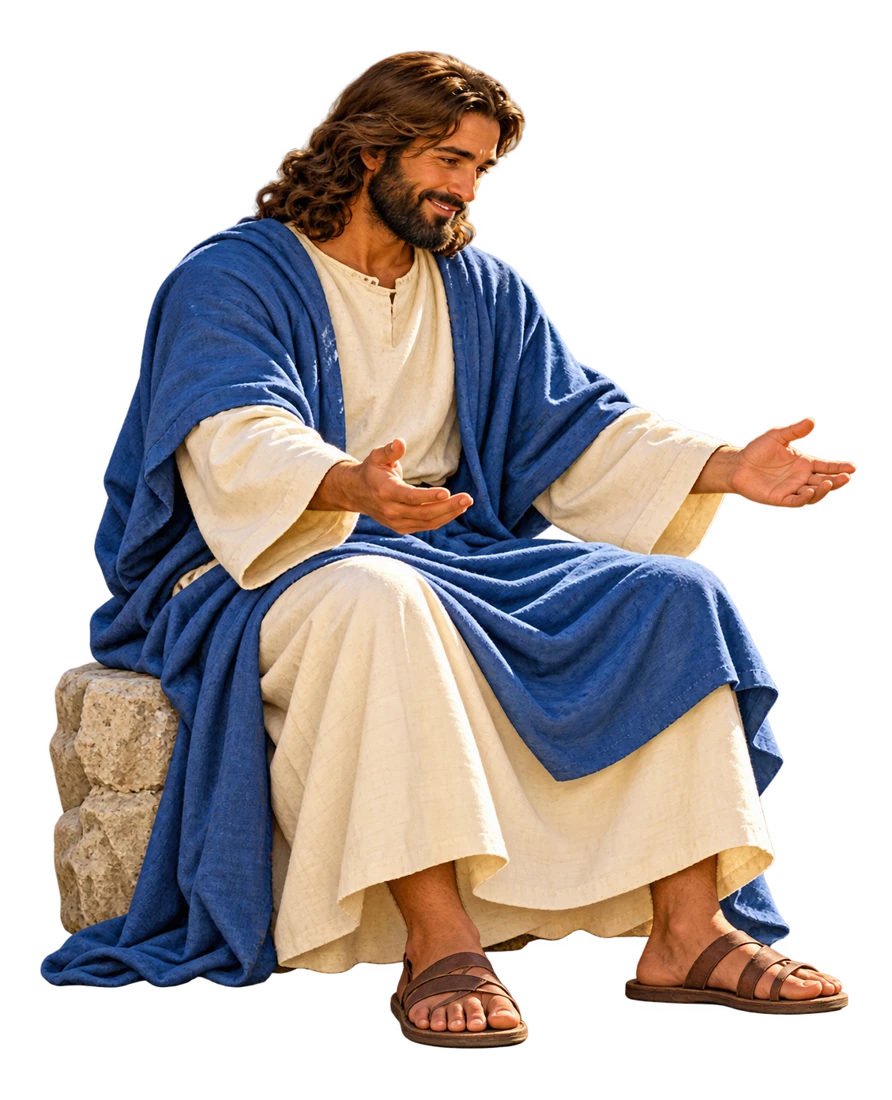
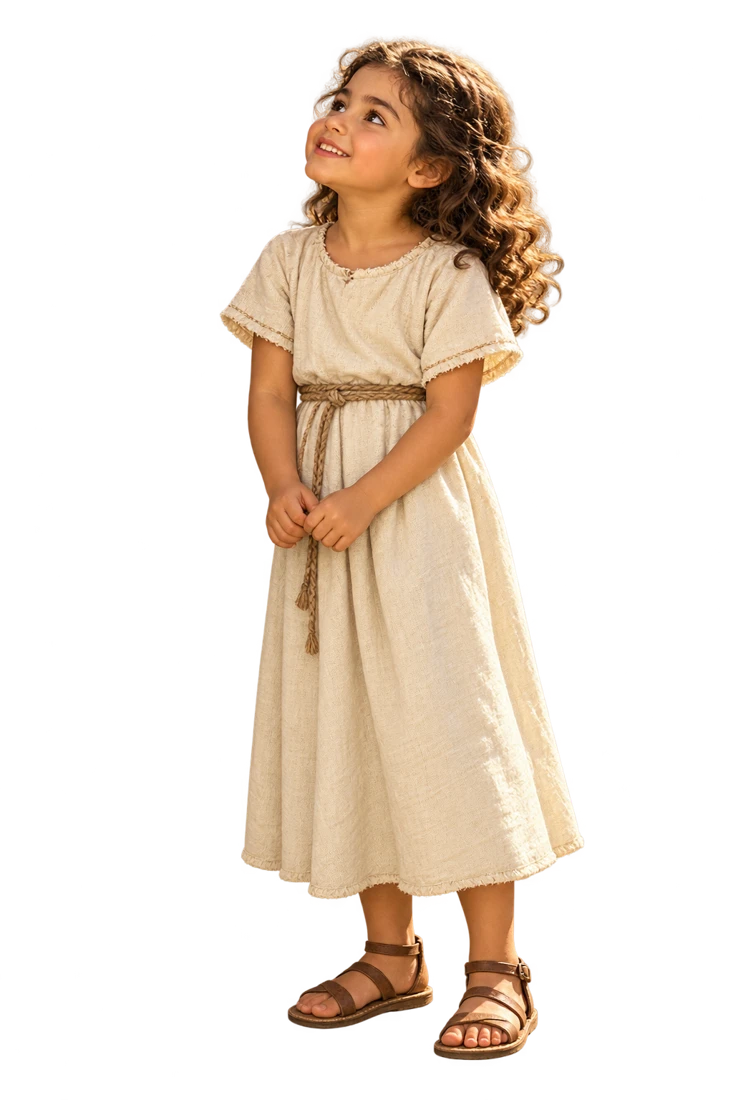
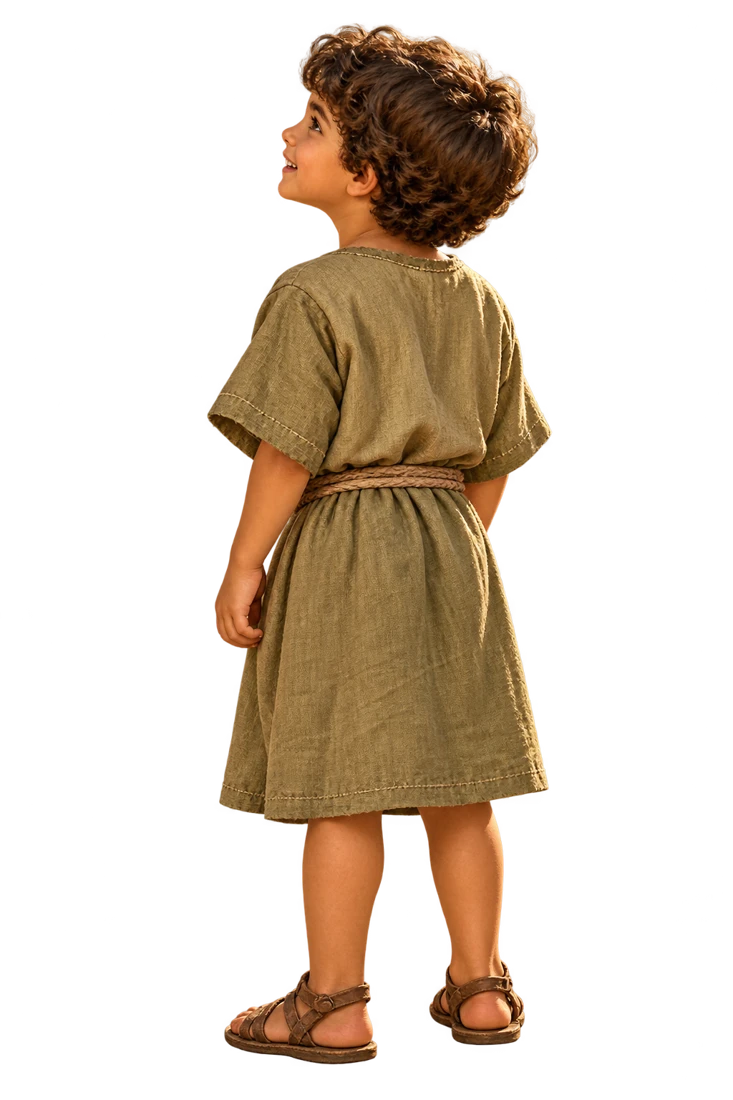
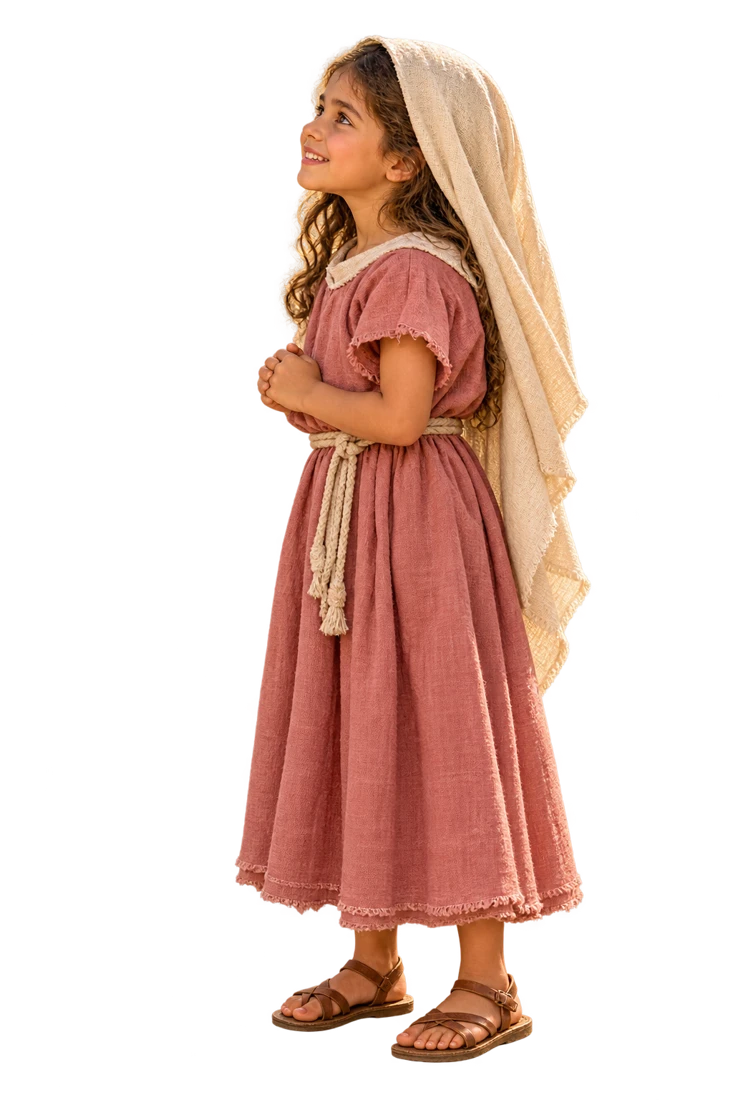
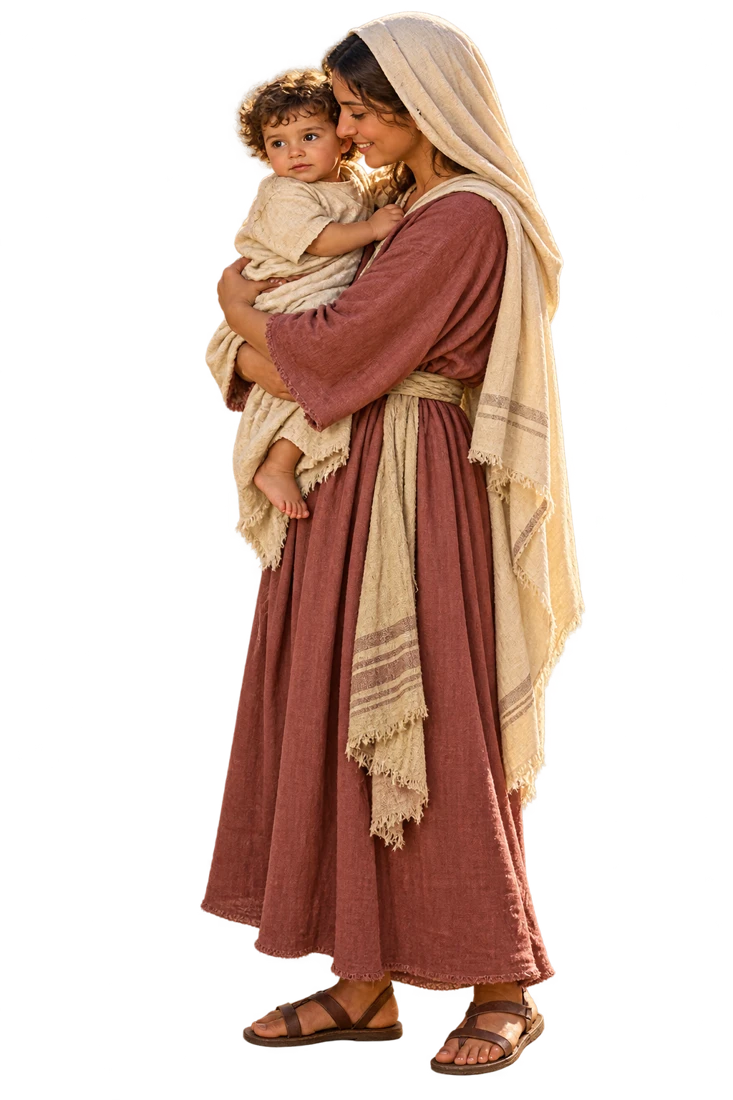
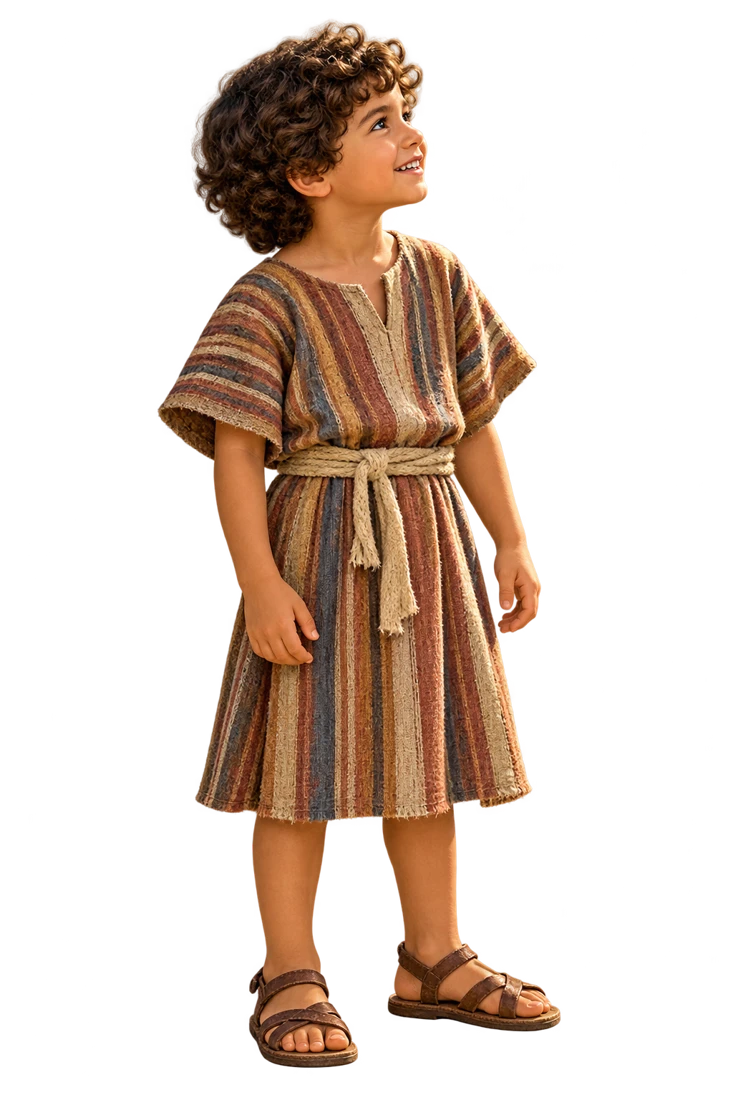
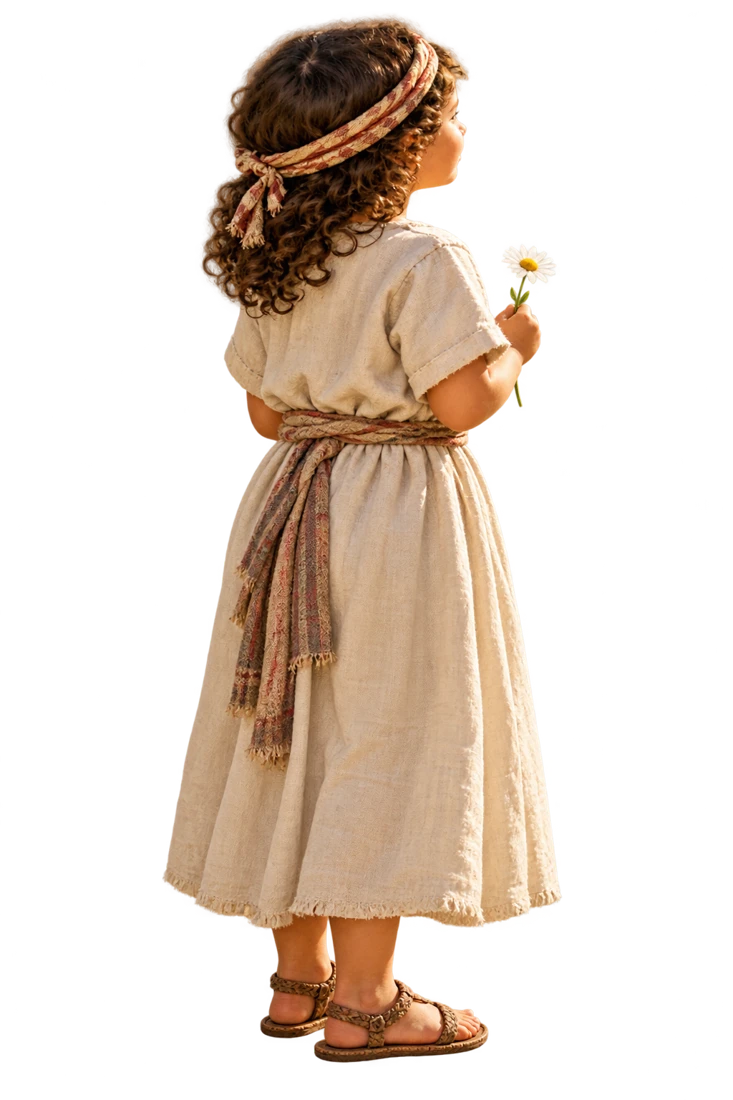
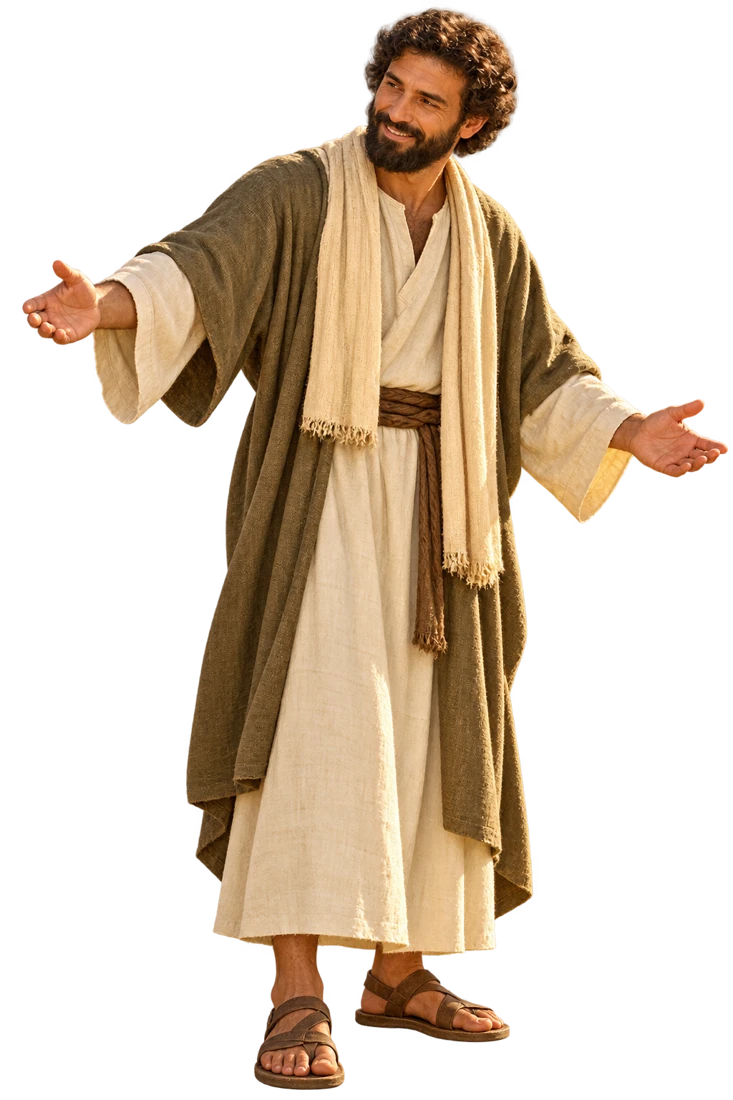
Stickers: Jesus Welcomes the Children
Create a composition with story elements and practice hand coordination. Story values: Inclusion, Care.
Tap a sticker to add it to the scene. Drag it with your finger or mouse; select a character to resize, flip or remove it. You can also move it with your keyboard arrows.
Create on paper, too
Print the background and stickers on separate sheets. Ask an adult to help cut them out, then glue the characters in place. Each print fits one letter-size sheet.
Tap a sticker to add it to the scene, then drag it to the position you want.
Use − to make it smaller and + to make it larger.
Mirror the sticker to face the other way.
Move the sticker above the next object it overlaps.
Move it behind the next object it overlaps.
Remove the selected sticker; you can add it again.
Undo the last change to the scene.

Loading pictures…