Bible sticker scene for kids: A Place at the King’s Table
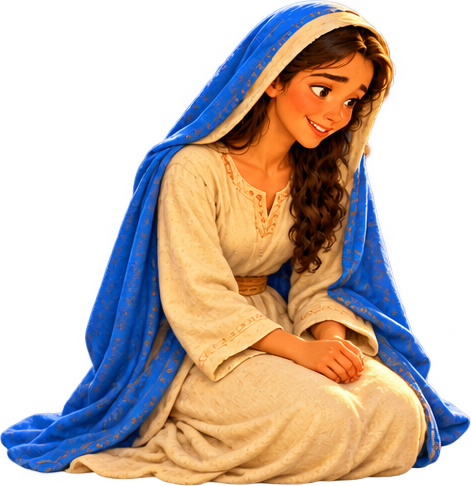
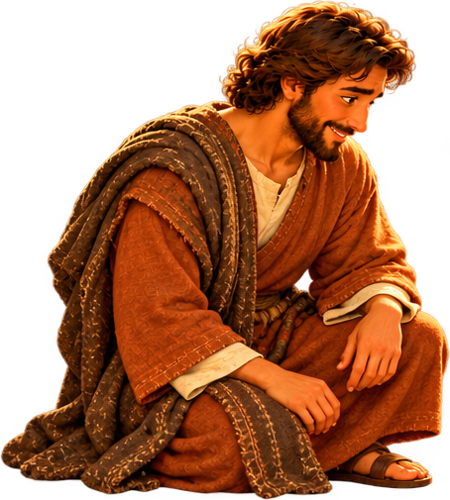
An activity based on “A Place at the King’s Table.” Create a scene by placing and moving the available pictures. Play online or print it to work on paper.
Tap a sticker to add it to the scene. Drag it with your finger or mouse; select a character to resize, flip or remove it. You can also move it with your keyboard arrows.
Tap a sticker to add it to the scene, then drag it to the position you want.
Use − to make it smaller and + to make it larger.
Mirror the sticker to face the other way.
Move the sticker above the next object it overlaps.
Move it behind the next object it overlaps.
Remove the selected sticker; you can add it again.
Undo the last change to the scene.

Loading pictures…
The story behind this activity
Bible passage: 2 Samuel 9 · Read the full passage
One day, King David remembered an old promise. Long before living in Jerusalem, he had been Jonathan’s friend.
Series: David: From the Flock to the Kingdom
How to play
- Look at the background and choose a picture to add.
- Move the pictures to arrange your scene.
- Describe what happens in your scene. On paper, cut out the pictures with help and arrange them.